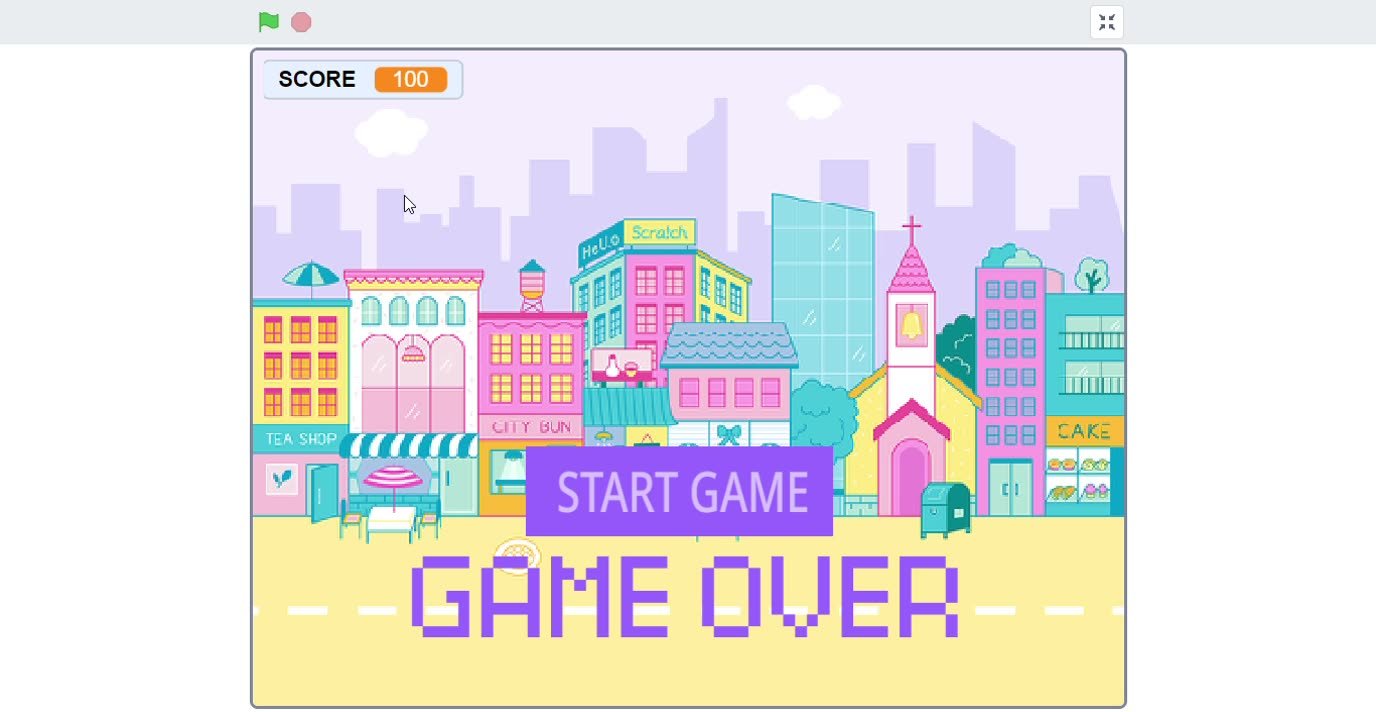
Scratch Games & Animations
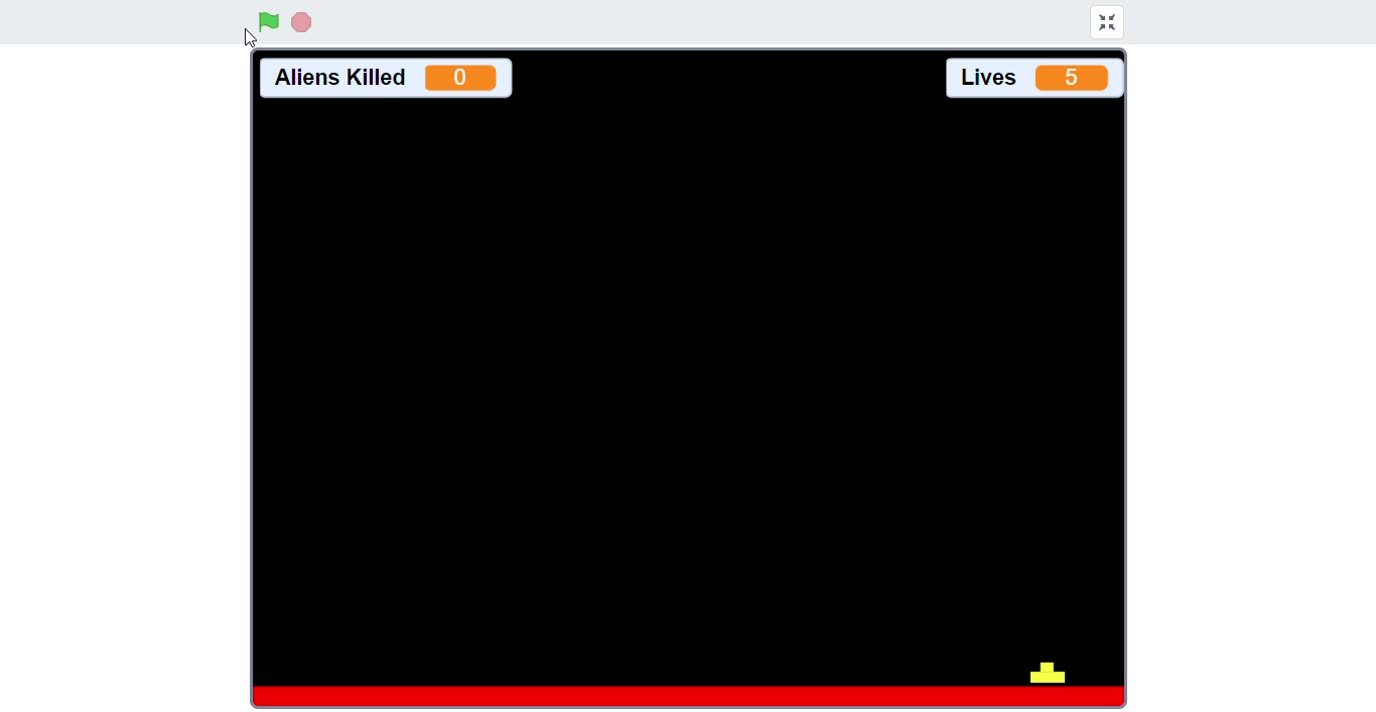
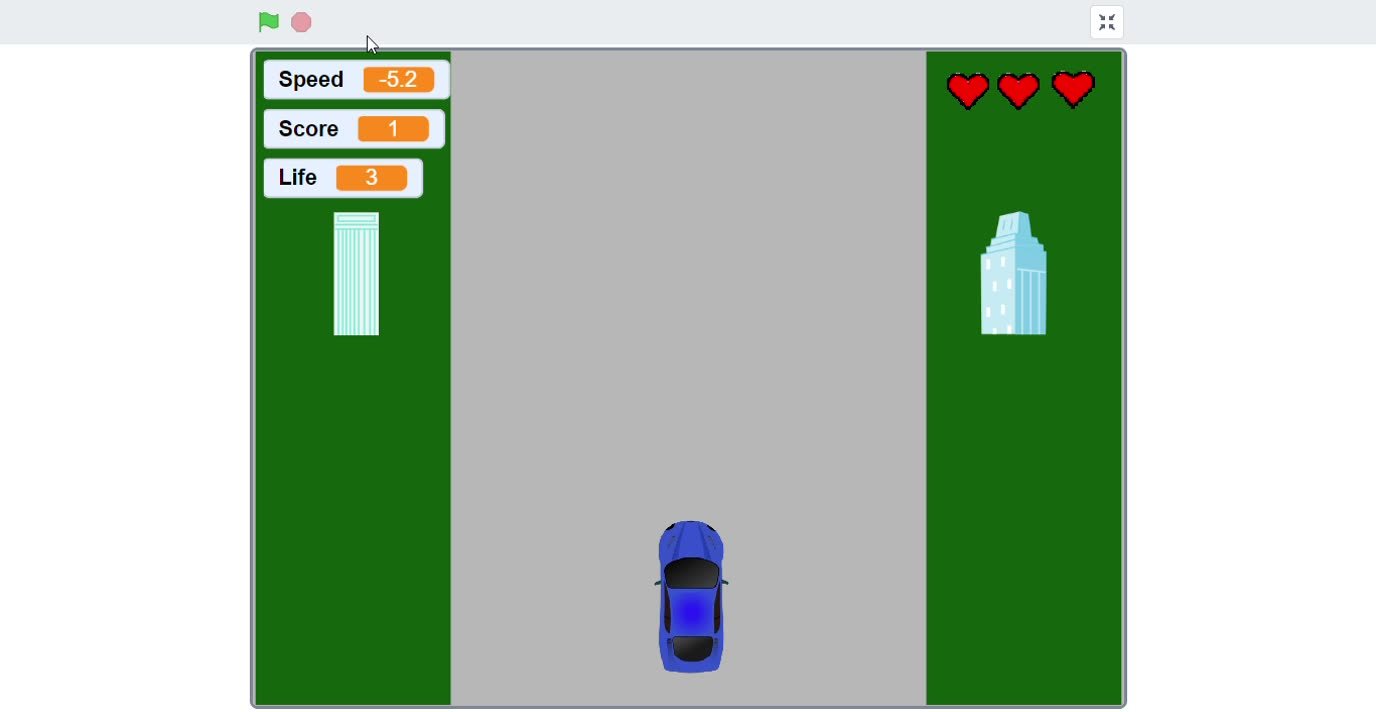
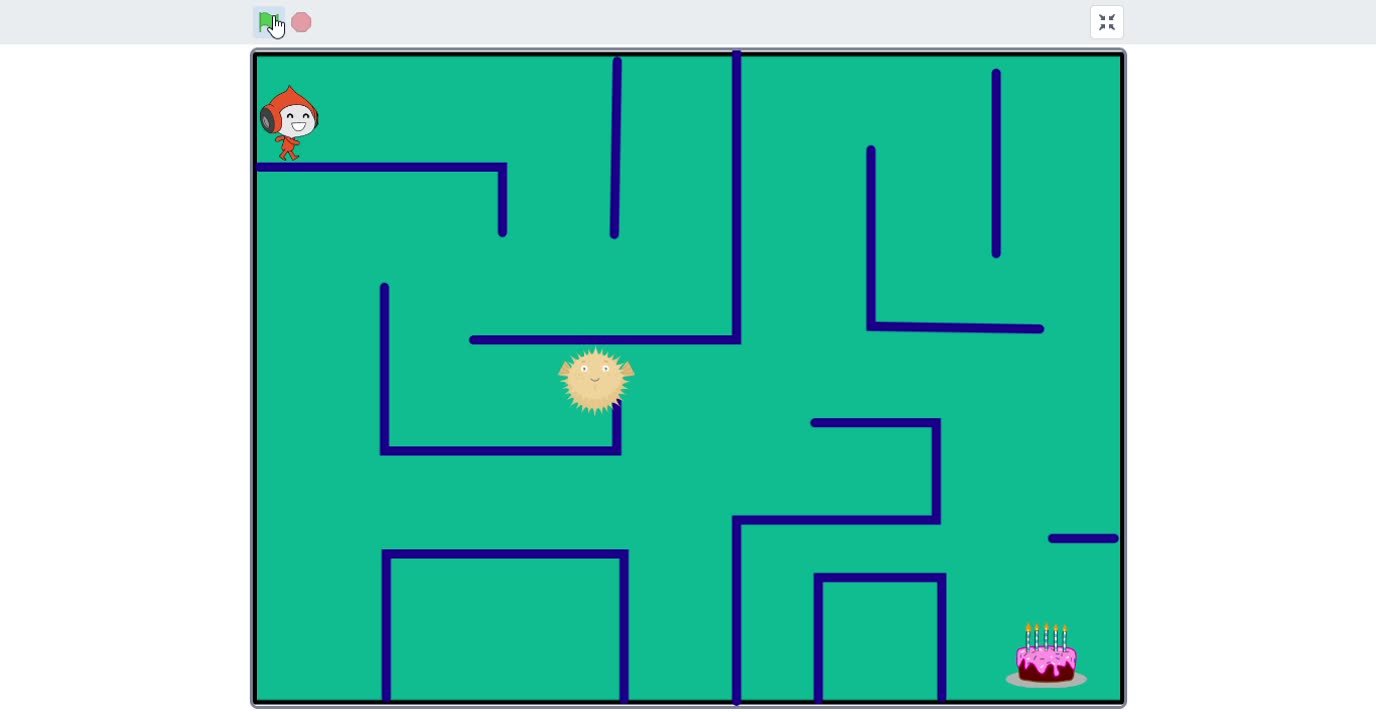
Students use block coding to understand events, motion, loops, conditions, variables and scoring through fun visual projects.
- Maze game
- Car game
- Jumping game
- Quiz / score logic
Enquire NowStudent Projects
Explore Scratch games, website projects and Python practice from our learning gallery. See how students turn coding concepts into work they can demonstrate and explain.
Project Categories
Each project category builds a different skill: creativity, design, logic, confidence and responsible technology use.
Students use block coding to understand events, motion, loops, conditions, variables and scoring through fun visual projects.
Students learn how real web pages are structured with headers, cards, images, forms, spacing, colors and responsive sections.
marks = int(input("Marks: "))
if marks >= 80:
print("Excellent")
elif marks >= 35:
print("Pass")
else:
print("Improve")
Students move from visual coding to text-based logic using variables, conditions, loops, lists, functions and mini tasks.
Students learn how to use technology responsibly with simple AI awareness, safe browsing, password habits and digital discipline.
Learning Outcome
The goal is not just project completion. Students should be able to explain what they made, which logic they used and how they improved the project.
Concept clarity before moving to the next topic.
Hands-on tasks after every concept.
Mini projects connected to real use.
Confidence to explain work to parents and mentors.
Visit TCIT Jr. We can show classroom work samples, project progression and explain how students move from basics to confident project building.
Schedule a Visit